Here are the main points to remember from our MetaTrader 4 CFD trading Australia guide:
Key Takeaways
- MetaTrader 4 (MT4) is a popular platform for trading Contracts for Difference (CFDs) in Australia.
- Always choose an ASIC-regulated broker for safety and reliability when trading CFDs in Australia.
- Familiarise yourself with the MT4 interface, charting tools, and different order types.
- Understand the risks associated with leverage and margin when trading CFDs.
- Practice with a demo account and implement strict risk management strategies like stop-loss orders.
Understanding MetaTrader 4 for Australian Traders
What is MetaTrader 4?
MetaTrader 4, often just called MT4, is a trading platform that a lot of people use to trade financial markets. Think of it as your digital trading desk. It’s been around for a while, and it’s particularly popular for trading forex, but you can also use it for other things like CFDs. It’s known for being stable and reliable, which is a big deal when you’re dealing with money. Many brokers offer it because it’s a solid piece of software that gives traders the tools they need to analyse markets and place trades.
Key Features of the MT4 Platform
MT4 comes packed with features that make it a go-to for many traders, from beginners to those who’ve been at it for years. Here are some of the main things it offers:
- Advanced Charting: You get a bunch of built-in technical indicators and drawing tools. This means you can really dig into price movements and patterns.
- Automated Trading: MT4 supports Expert Advisors (EAs). These are basically little programs that can trade for you based on rules you set. It’s a neat way to automate your strategies.
- Customisation: You can tweak the platform to suit your style. Change chart colours, add your favourite indicators, and set up different layouts so everything is just how you like it.
- Mobile Trading: You can trade on the go using the MT4 app on your smartphone or tablet, which is handy if you can’t always be at your computer.
Why Choose MT4 for CFD Trading in Australia?
So, why is MT4 a good choice for folks in Australia looking to trade CFDs? For starters, it’s widely supported by many ASIC-regulated brokers here. This means you have plenty of options when picking a platform provider. It’s also a platform that can grow with you. As you get more experienced, you can start using more of its advanced features, like custom indicators or EAs. It’s a robust system that doesn’t really get in your way, letting you focus on the actual trading. Plus, with its long history, there’s a huge community online, so finding help or tutorials is usually pretty easy if you get stuck.
The platform’s popularity means there’s a vast amount of educational material and support available online, which can be a real lifesaver for new traders trying to get their heads around everything.
Getting Started with MetaTrader 4 in Australia
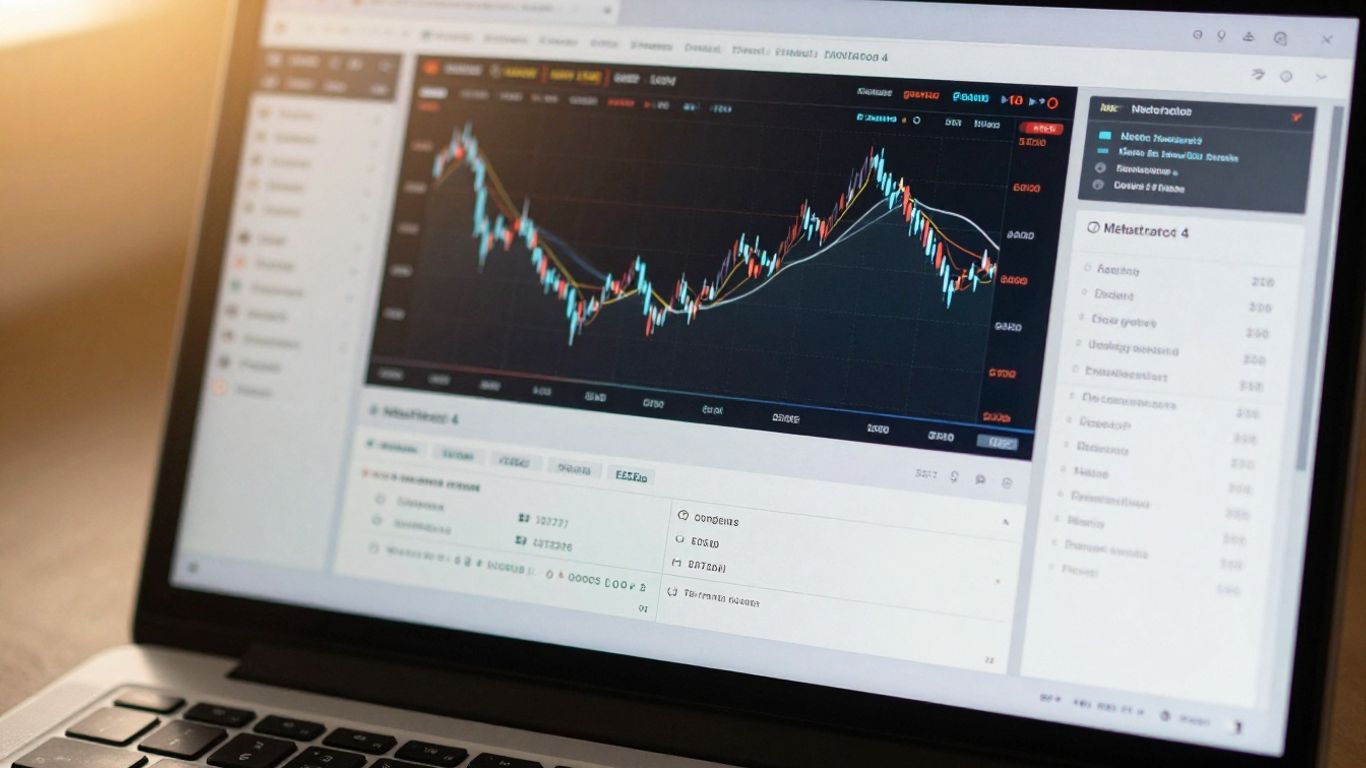
So, you’re keen to start trading CFDs in Australia using MetaTrader 4 (MT4)? That’s a solid choice. MT4 is pretty much the go-to platform for a lot of traders, especially those dealing with forex. It’s not overly complicated, but it’s got all the bits and pieces you’ll need to get going.
Choosing an ASIC-Regulated Broker
First things first, you need a broker. And not just any broker – you want one that’s regulated by ASIC (Australian Securities and Investments Commission). This is super important for your safety as a trader here in Australia. ASIC regulation means the broker has to play by some pretty strict rules, which gives you a good layer of protection. You’ll find heaps of brokers out there, but sticking to ASIC-regulated ones is a no-brainer. Some popular choices that support MT4 include GO Markets and Vantage Markets, both well-established in the Aussie scene.
Opening Your Trading Account
Once you’ve picked your broker, opening an account is usually pretty straightforward. Most brokers will let you open a demo account first, which is brilliant for getting a feel for the platform without risking any real cash. When you’re ready to go live, you’ll typically need to fill out an application form and provide some identification, like a driver’s licence or passport, and proof of address. It’s all pretty standard stuff to make sure they know who you are. Some brokers might ask for a minimum deposit to get started, but this can vary a lot.
Navigating the MT4 Interface
Jumping into MT4 for the first time can feel a bit like looking at a new dashboard. Don’t let it overwhelm you. The main screen usually shows your market watch (a list of assets you can trade), a chart window, and a terminal window at the bottom for your trades and account balance. You can customise a lot of this. Dragging and dropping windows, changing chart colours, and adding indicators are all part of making it your own. It’s worth spending some time just clicking around and seeing what does what. You can find some great beginner tutorials online that walk you through the basics, like setting up charts and placing your first trade.
Getting comfortable with the platform before you start trading with real money is a smart move. A demo account is your best friend here. It lets you practice all the functions, test strategies, and get used to the trading environment without any financial risk. It’s like a training ground before the main event.
Essential Tools and Functionality on MetaTrader 4
Alright, so you’ve got MetaTrader 4 (MT4) fired up and you’re ready to get stuck into it. But what’s all this stuff on the screen? MT4 is packed with tools that can really help you figure out what the market might do next, and how to actually place your trades. It’s not just a fancy screen; these are the bits that do the heavy lifting.
Advanced Charting and Technical Indicators
Charts are your best mate on MT4. You get a bunch of built-in indicators, like moving averages and the RSI, which basically look at past price movements to give you some clues. You can chuck loads of these onto your charts, and they’ll draw lines and stuff to show you trends or potential turning points. It’s like having a bunch of different lenses to look at the market through. You can also add your own custom indicators if you’re feeling adventurous, or if someone’s shared a cool one with you. Remember though, these indicators look at history, they don’t predict the future. They’re a guide, not a crystal ball.
Order Types and Execution Methods
Placing a trade isn’t just a simple ‘buy’ or ‘sell’. MT4 lets you choose how you want your orders to be handled. You’ve got your basic market orders, which just execute at the current best price. Then there are pending orders, like buy limits or sell stops, which sit there waiting for the price to hit a certain level before they kick in. This is super handy for getting into trades without having to watch the screen 24/7. You can also set up stop-loss and take-profit orders right when you place your trade, which is a smart move for managing risk from the get-go. Getting a good handle on these different order types is pretty important for any trader, whether you’re just starting out or have been at it for a while. It’s worth checking out how different ASIC-regulated brokers handle order execution, as speed and reliability can vary.
Utilising Expert Advisors for Algorithmic Trading
This is where things get a bit more automated. Expert Advisors, or EAs, are basically trading robots. You can get them to automatically analyse the market based on a set of rules (an algorithm) and even place trades for you. There are heaps of EAs out there, some free, some you pay for, and you can even try to build your own if you’ve got the coding chops. It sounds pretty cool, and for some traders, it’s a game-changer. They can trade around the clock and don’t get emotional about losing trades. However, setting them up and making sure they’re actually doing what you want them to do can be a whole other challenge. It’s not just a ‘set and forget’ situation; you still need to monitor them and understand the logic behind them.
MT4 gives you a lot of power with its tools. You can customise charts, set up alerts, and even automate trades. But like any tool, you need to learn how to use it properly. Don’t just jump in without understanding what each feature does and how it might affect your trading. It’s better to start slow and build up your knowledge.
Trading CFDs with MetaTrader 4 in Australia
Alright, so you’ve got MetaTrader 4 set up and you’re ready to actually start trading Contracts for Difference (CFDs) in Australia. This is where things get interesting. CFDs let you speculate on the price movements of various assets without actually owning them. Think of it like betting on whether the price of, say, the Australian dollar against the US dollar will go up or down.
Accessing Global Markets and Assets
One of the big draws of using MT4 with an Australian broker is the sheer variety of markets you can tap into. You’re not just limited to Australian shares. You can trade forex pairs, commodities like gold and oil, major global indices, and even some cryptocurrencies. It’s like having a passport to financial markets worldwide, all from your computer or phone. Brokers like IC Markets offer a huge range of these instruments, making it easy to diversify your trading.
Here’s a quick look at what you might find:
- Forex: Major pairs (EUR/USD, GBP/USD), minor pairs, and exotic pairs.
- Commodities: Gold, Silver, Oil, Natural Gas.
- Indices: ASX 200, S&P 500, Nasdaq, FTSE 100.
- Shares: Popular Australian and international company stocks.
- Cryptocurrencies: Bitcoin, Ethereum (availability can vary).
Understanding Leverage and Margin
Now, this is super important, and you really need to get your head around it. Leverage is basically borrowed capital from your broker that lets you control a larger position than your own money would normally allow. For example, with a leverage of 30:1, a $100 deposit could control a position worth $3,000. This can amplify your profits, but it also massively amplifies your losses. It’s a double-edged sword, for sure.
Margin is the amount of money you need in your account to open and maintain a leveraged position. It’s like a good-faith deposit. If the market moves against you and your margin falls below a certain level, your broker might issue a margin call, meaning you need to deposit more funds or they’ll close your position to limit their risk (and yours).
| Account Balance | Leverage | Position Size | Margin Required | Potential Profit/Loss Amplification |
|---|---|---|---|---|
| $1,000 | 10:1 | $10,000 | $1,000 | 10x |
| $1,000 | 30:1 | $30,000 | $1,000 | 30x |
Remember, leverage is a powerful tool, but it’s also one of the quickest ways to lose your capital if not used wisely. Always understand the margin requirements for each trade.
Developing Your Trading Strategy
Just jumping in and hoping for the best isn’t really a plan, is it? You need a strategy. This involves deciding what you’ll trade, when you’ll enter and exit trades, and how much risk you’re willing to take on each one. Your strategy might be based on technical analysis (looking at price charts and patterns), fundamental analysis (looking at economic news and company performance), or a combination of both. For beginners, starting with a simple strategy and a limited number of assets is usually the way to go. You can always build on it as you gain experience. Many brokers provide resources to help you get started with developing your trading plan.
It’s about having a set of rules you follow consistently, no matter how you’re feeling. This discipline is key to long-term success in trading.
Risk Management and Best Practices on MetaTrader 4
Alright, so you’ve got your trades set up on MetaTrader 4, and things are looking good. But before you get too comfortable, let’s talk about keeping your hard-earned cash safe. Trading without a plan to control your losses is a bit like driving a car without brakes – not a great idea, right?
Implementing Stop-Loss and Take-Profit Orders
These are your absolute best mates when it comes to managing risk. A stop-loss order is basically an instruction to your broker to close a trade if it moves against you by a certain amount. It stops you from losing more than you’re comfortable with. On the flip side, a take-profit order tells your broker to close the trade when it hits a specific profit target. It helps you lock in those gains before the market decides to do a U-turn.
- Stop-Loss: Set this below your entry price for a buy trade, or above for a sell trade.
- Take-Profit: Set this above your entry price for a buy trade, or below for a sell trade.
- Trailing Stop: This is a bit fancier. It’s a stop-loss that automatically moves with the price if it’s going your way, helping to secure profits while still offering protection.
The Importance of Demo Trading
Seriously, don’t skip this bit. Before you even think about putting real money on the line, you need to get a feel for the platform and your trading ideas. That’s where demo accounts come in. They let you trade with virtual money in real market conditions. It’s the perfect place to test out different strategies, get used to placing orders, and practice using those stop-loss and take-profit tools without any financial risk. Most brokers, including those that offer MT4 platforms, provide free demo accounts. It’s a no-brainer for beginners.
Practicing on a demo account helps you understand how the market moves and how your trading decisions play out, all without the stress of losing actual money. It builds confidence and refines your approach before you commit real capital.
Monitoring Your Trades Effectively
Once you’re in a trade, your job isn’t done. You need to keep an eye on things. This doesn’t mean staring at the screen 24/7, but you should be aware of what’s happening in the market and how it’s affecting your open positions. MetaTrader 4 gives you a clear overview of your trades, showing your balance, equity, margin, and profit or loss. Regularly checking these figures helps you stay in control and make informed decisions about whether to adjust your stop-loss, take profit, or even close the trade early if circumstances change. Developing a solid trading strategy is key here, and understanding your risk is a big part of that strategy development.
Leveraging MetaTrader 4 for Advanced Trading
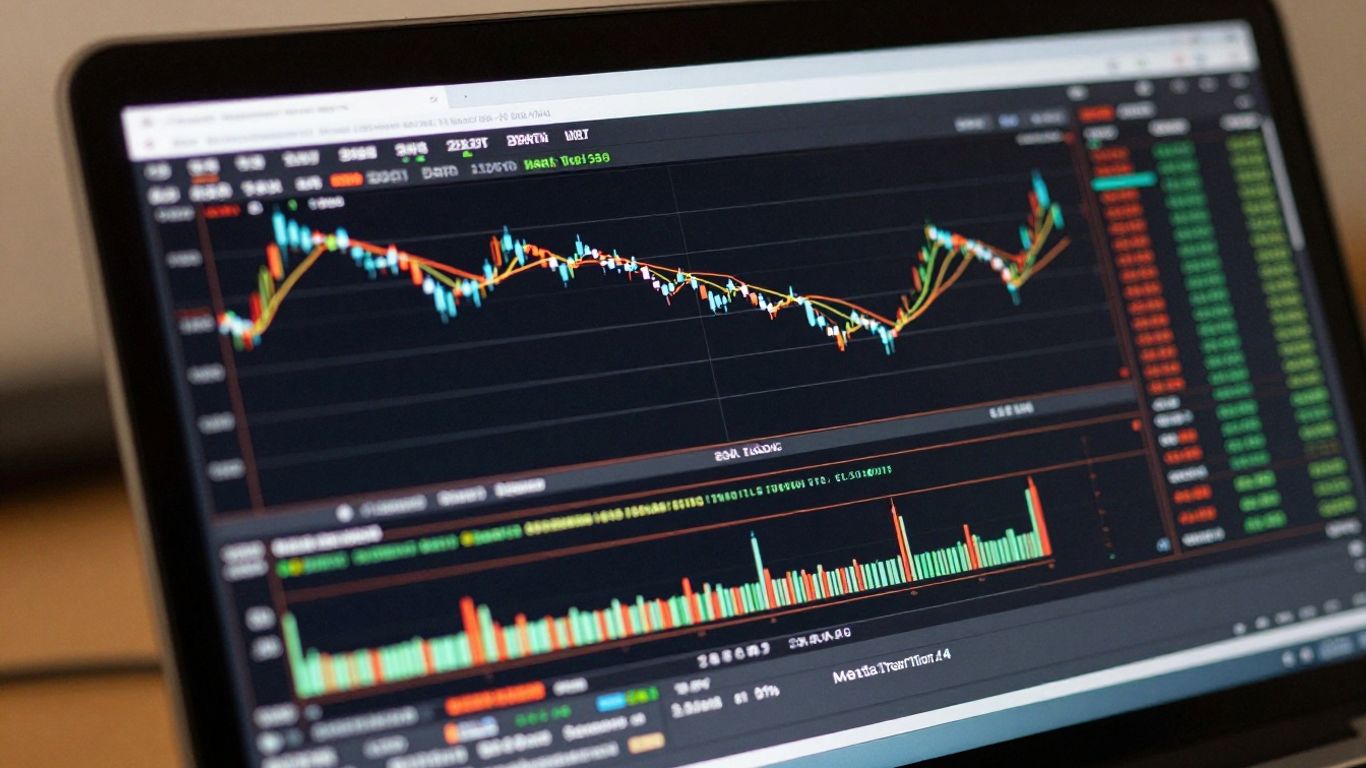
So, you’ve got the hang of the basics with MetaTrader 4 and you’re ready to take things up a notch. That’s awesome! MT4 isn’t just for beginners; it’s got some serious power under the hood for traders who want to refine their approach. Let’s look at how you can really make it work for you.
Customising Your Trading Environment
One of the best things about MT4 is how you can tweak it to fit exactly how you like to trade. It’s not a one-size-fits-all deal. You can move charts around, change colours, and set up your favourite indicators so they’re right there when you need them. This means less time fiddling with settings and more time actually watching the markets. Having your workspace set up just right can make a big difference when you’re trying to catch those quick trading opportunities. You can save different profiles too, so if you want to switch from looking at forex to commodities, you can load up a whole new setup in seconds.
Utilising Alerts for Market Movements
Markets don’t wait around, and neither should you. MT4 lets you set up alerts for specific price levels or when certain conditions are met. This is super handy because you don’t have to stare at the screen all day. You can get alerts sent straight to your email or even as a pop-up on your platform. Imagine being able to step away for a bit, knowing you’ll be notified if a trade setup you’ve been watching finally appears. It’s like having a little assistant keeping an eye on things for you.
Here’s a quick rundown of how to set up an alert:
- Go to the ‘Alerts’ tab in the Terminal window.
- Right-click and select ‘Create’.
- Choose the symbol you want to monitor.
- Set the condition (e.g., price reaches a certain level).
- Decide if you want it to expire and set the expiry date.
- Choose how you want to be notified (sound, email, etc.).
Exploring Additional Trading Tools
Beyond the standard charts and indicators, MT4 has a whole ecosystem of extra tools. You can find custom indicators and Expert Advisors (EAs) developed by other traders. Some of these can automate parts of your trading or provide unique analytical insights. While it’s wise to be cautious and test any new tool thoroughly, especially EAs, they can be a game-changer for some. You can find a huge range of these tools online, some free and some you can purchase. Just remember to do your homework before integrating them into your live trading. Many brokers also provide access to additional tools and resources to help you get the most out of the platform, like advanced charting tools.
When you start using more advanced features on MT4, like custom indicators or Expert Advisors, it’s really important to test them out first. A demo account is your best friend here. You can see how these tools perform in real market conditions without risking any actual money. This way, you can iron out any kinks and make sure they actually help your trading before you commit real capital. It saves a lot of potential headaches down the track.
Conclusion
So, you’ve made it through our beginner’s guide to MetaTrader 4 for CFD trading in Australia. It might seem like a lot at first, but remember, every expert was once a beginner. MT4 is a powerful tool, and with the right broker, a bit of practice, and a solid plan, you’re well on your way. Keep learning, manage your risks, and trade smart. Good luck out there!
Frequently Asked Questions
What exactly is MetaTrader 4 (MT4)?
Think of MT4 as a computer program that lets you trade on financial markets like forex or shares. It’s like a super-powered trading desk on your computer or phone, giving you charts, tools, and a way to place buy and sell orders.
Why is it good for CFD trading in Australia?
MT4 is popular because it’s reliable and has heaps of tools for analysing markets. Plus, many Australian brokers that are regulated by ASIC offer it, meaning they meet strict rules to protect traders.
How do I start trading with MT4 in Australia?
First, pick a broker that’s licensed by ASIC. Then, open a trading account with them, download the MT4 platform, and you’ll be ready to explore the markets.
What are CFDs?
CFDs, or Contracts for Difference, are agreements to exchange the difference in price of an asset from when you open a trade to when you close it. You don’t actually own the asset, you’re just betting on its price going up or down.
Is trading CFDs risky?
Yes, trading CFDs can be risky, especially because of something called leverage. Leverage lets you control a bigger position with less money, but it can also make your losses much bigger if the market moves against you. It’s super important to know what you’re doing and manage your risk.
What’s a demo account and why should I use one?
A demo account is like a practice playground. You get virtual money to trade with in real market conditions. It’s a great way to learn how MT4 works and test your trading ideas without risking any of your own cash.